
Business Transaction Account
Built to keep your business moving
From same day settlement 1 to effortless everyday banking, everything’s designed to keep things simple and cash flowing so you can focus on running and growing your business.

From same day settlement 1 to effortless everyday banking, everything’s designed to keep things simple and cash flowing so you can focus on running and growing your business.

No monthly fees, no minimum balance with up to 10 accounts with no extra cost.

Get your takings faster with same day settlement, 7 days a week 1.

Withdraw funds, shop online or in-store with a free Visa Debit Card.

Sync with Xero® or MYOB® for automated bank feeds to simplify admin.
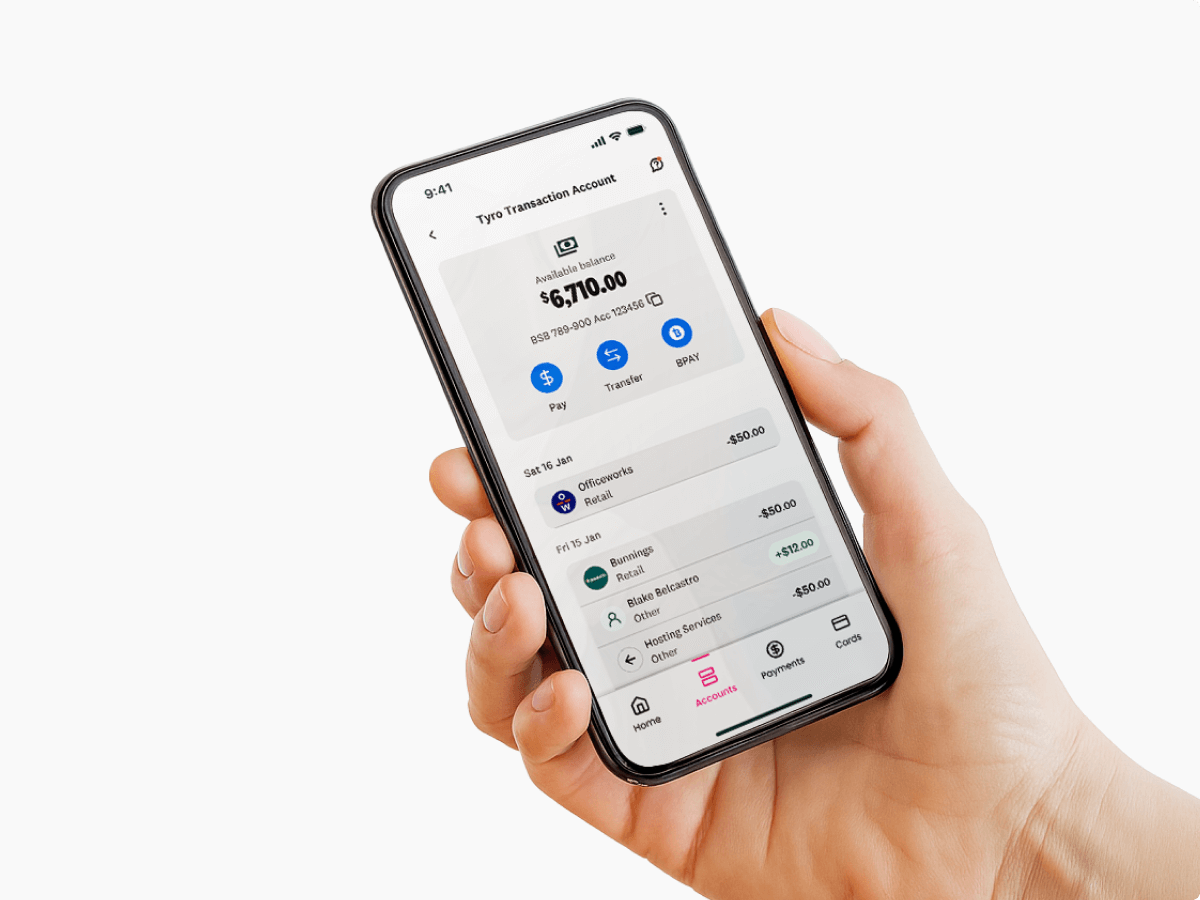


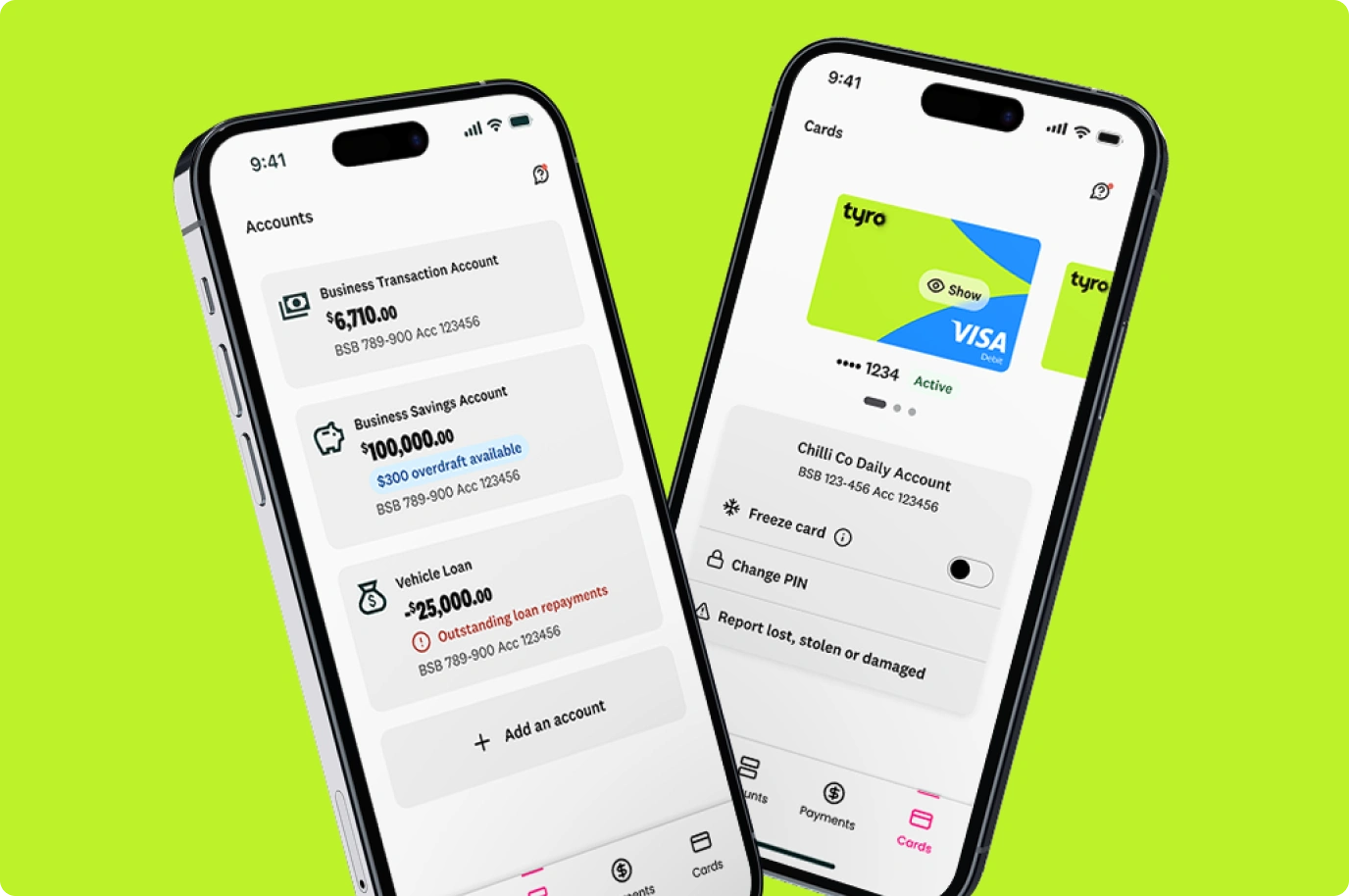
Tyro Transaction Account is an everyday business account that helps businesses manage incoming payments, outgoing expenses and day-to-day cash flow.
Get daily takings settled in your account the same day – not days later. Bills, stock orders and everyday expenses don’t wait, so neither should you.
Same day settlements, 7 days a week 1 including public holidays.
Card, transfer, batch payments – whatever suits your business.
Stay organised with separate accounts for savings, tax, or business expenses – at no extra cost.
Tyro Transaction Account explained.

Your business transaction account includes a free Tyro Visa Debit Card for ATM withdrawals, contactless and online payments.
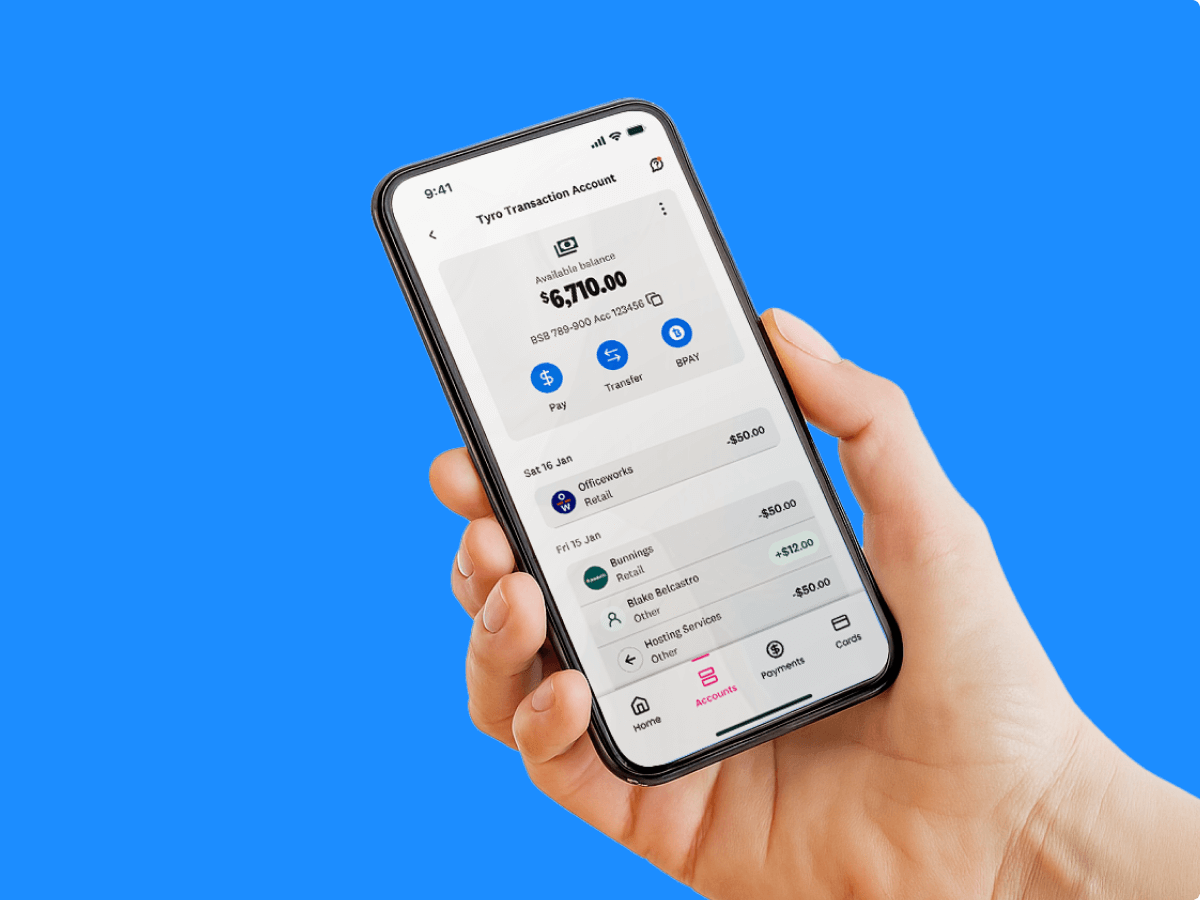
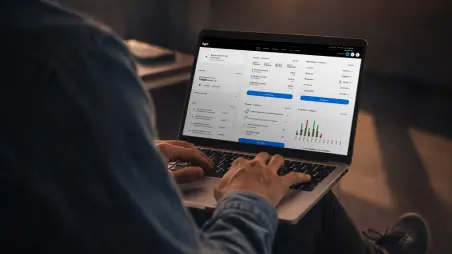
Manage payments and keep your business finances organised in the Tyro Portal.

Download the Tyro Bank app to manage your business accounts in one place to stay on top of your business finances and cash flow.
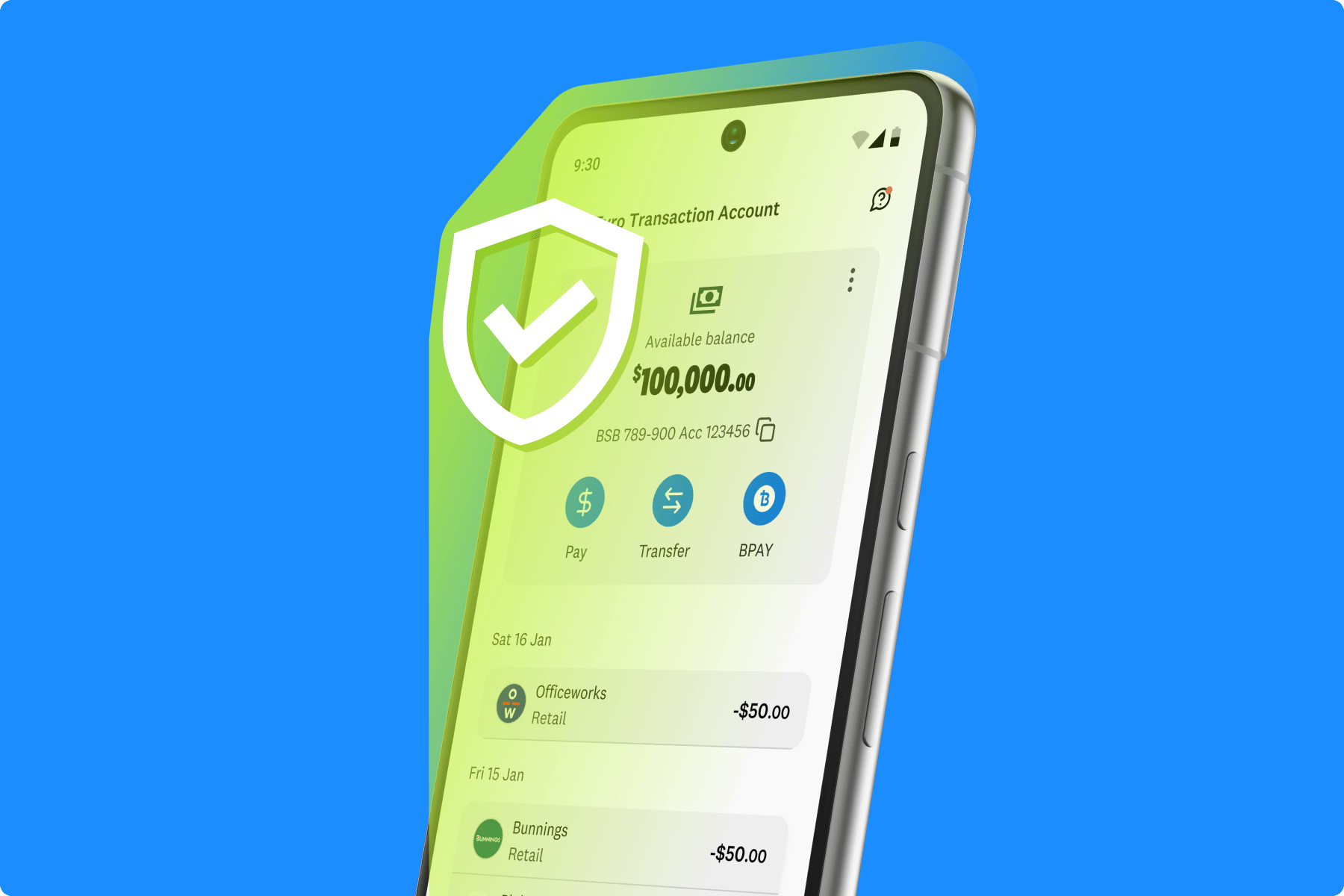
Tyro’s business transaction account is built for secure everyday business banking.

Join thousands of Australian businesses using Tyro to manage payments, banking and cash flow.
Discover how we go beyond EFTPOS terminals to bring more to your business.

Accept in-person and online payments with Tyro’s payment solutions.
Automate bookkeeping with Tyro’s business accounting software.

Tyro integrates with over 580+ POS/PMS systems. See if we integrate with yours today.
A business transaction account is an everyday business bank account used to manage regular business payments, deposits, transfers and expenses.
Customers new to Tyro can open a Tyro Transaction Account by applying online during onboarding.
Eligible existing Tyro merchants who have not previously held a Tyro banking product can now apply for a Tyro Transaction Account directly through the Tyro App or Portal.
Yes, you can set up automatic transfers from your Tyro Transaction Account to an external account by accessing the online banking portal or the Tyro Bank App and following the prompts for setting up scheduled transfers. This allows for easy transfers and management of your business bank accounts and funds.
No, you don’t need to cancel your existing bank account to use the Tyro Transaction Account.
Simply log in to the Tyro Bank App or web portal and navigate to the ‘Cards’ tab to view the accounts that you can request a debit card for.
Follow the prompts to request a card for your chosen account. The card will be sent to your delivery address on record.
You can open additional Tyro Transaction Accounts by logging into the Tyro Bank App or banking web portal.
On the ‘Home’ screen, scroll to the bottom, click ‘Add an account’ and follow the prompts to open another Tyro Transaction Account.
If you have multiple accounts open, your funds will automatically settle into the first account that you opened, with clear descriptions to help you easily track and manage your takings. You will be able to move funds between your other accounts manually or via scheduled transfers.
Australian-based 24/7 support
 Get the help you need