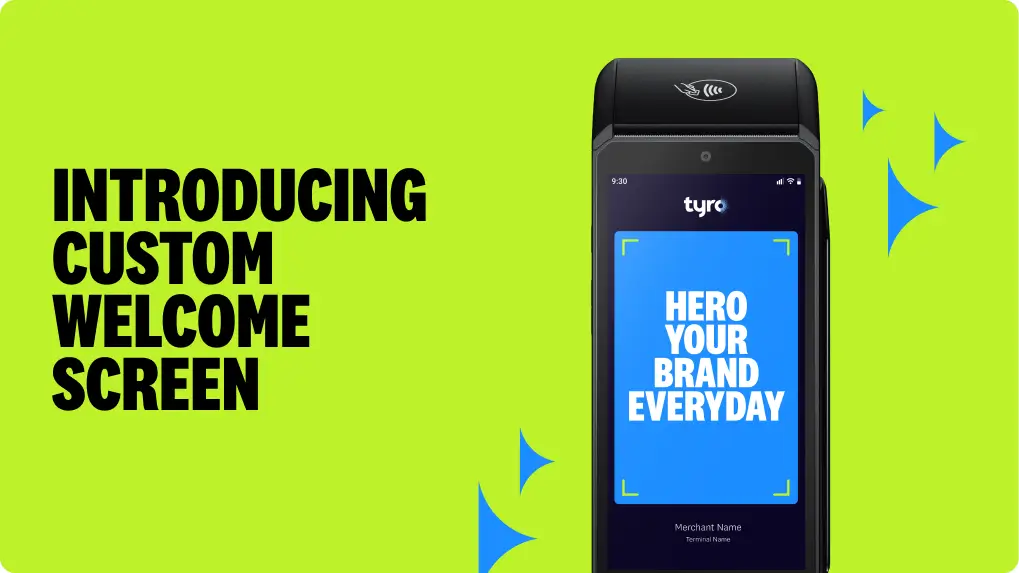
Your terminal can do more than take payments. With Custom Welcome Screen, you can easily showcase your brand, promote offers, or share messages – right where customers are already looking.
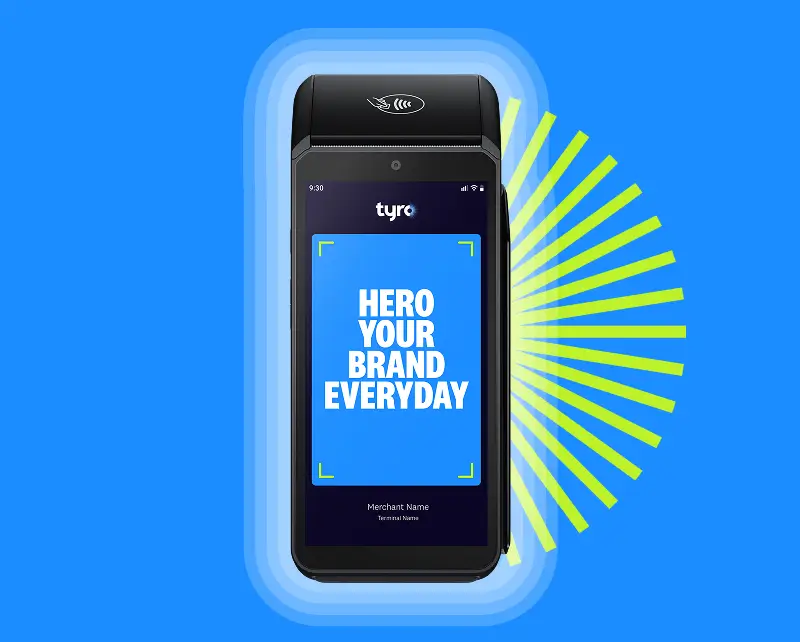

Keep your brand and offers front of mind with customers, at the moment they engage

Upload and manage your screen content in minutes via the Tyro Portal

Built for performance, so your payments stay fast and seamless *.

Make every payment an opportunity to upsell, cross-sell, or build loyalty
Capture attention at every payment and make it count:
All without extra hardware or added cost.
Log in to the Tyro Portal
Upload your logo or promotional image
Preview it in real time
Publish across your business, site or individual terminals
Manage in the Tyro Portal
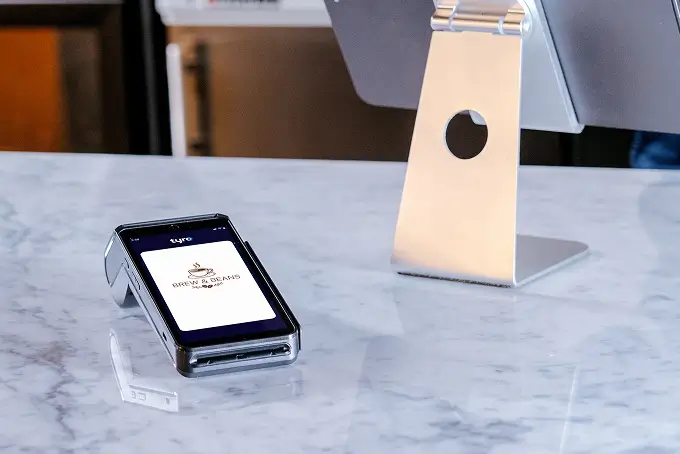


Login to your Tyro Merchant Portal, under “My Organisation” select “Brand & appearance” followed by “Customise now” and follow the steps to create and apply your theme.
Users must have at least system admin, service manager, finance manager or manager role permissions of the Merchant Portal. Refer to our Roles and Permissions article for further details.
Yes. With the correct permissions or role, you can manage the welcome screen across multiple locations at the ABN, MID, Site, or Terminal level.
Custom Welcome Screen is available on all Tyro Pro Series terminals that are integrated with POS (Point of Sale) software ^.
There is no impact to transaction speed or service uptime.
The Custom Welcome Screen feature is at no additional cost for Tyro Payments customers who have Pro Series terminals ^.
For best results, upload a JPG, SVG or PNG file, up to 2MB.
We recommend using an image size of 720×1140 px. Photos and non-vector graphics should be 720 px wide.
If you’re uploading a logo only, use a solid background rather than a transparent one.
Australian-based 24/7 support

Complete in under 2mins
For us to find the best solution for you, please answer a few quick questions, and have the following details handy:











 Get the help you need