Tyro’s Tap to Pay on iPhone turns your iPhone into a payment terminal without extra hardware. Download Tyro’s BYO App, link your account and start accepting contactless payments from your iPhone in minutes.
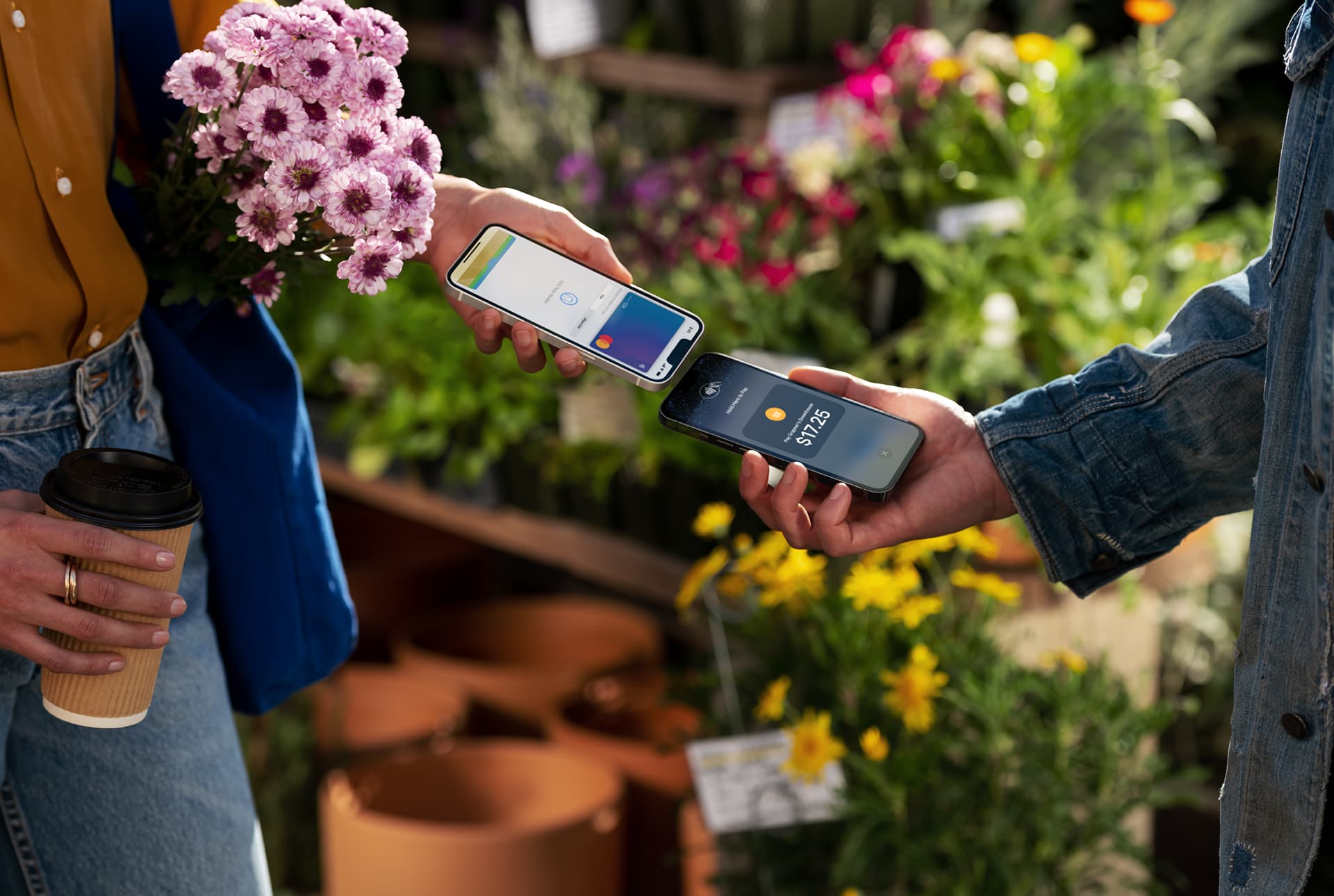

Download the BYO App and start accepting tap to pay on your iPhone while we finalise the setup of your account *

You’ll only pay for transactions you accept on the Tyro BYO App ^

With Tap to Pay on iPhone, Tyro accepts major credit and debit cards, as well as digital wallets.

Tap to Pay on iPhone uses the security features of iPhone to keep your business and customer data secure
Accepting payments via tap to pay on iPhone has never been easier. Streamline your payments experience with just the Tyro BYO App and your iPhone, so you can accept contactless payments anytime, anywhere.

Ditch any extra payments hardware and accept tap to pay transactions right there on your iPhone.
Trust your business and customer data is in good hands with the built-in security features of the iPhone.
Read on to discover what Tap to Pay on iPhone is all about and how it can benefit your business.
In this blog, we will explore the concept of merchant fees and dive into practical strategies to help businesses reduce these fees.

In today’s competitive business world, being efficient is crucial for success. Check out the top apps and software designed specifically for tradespeople, freelancers, and small business owners.
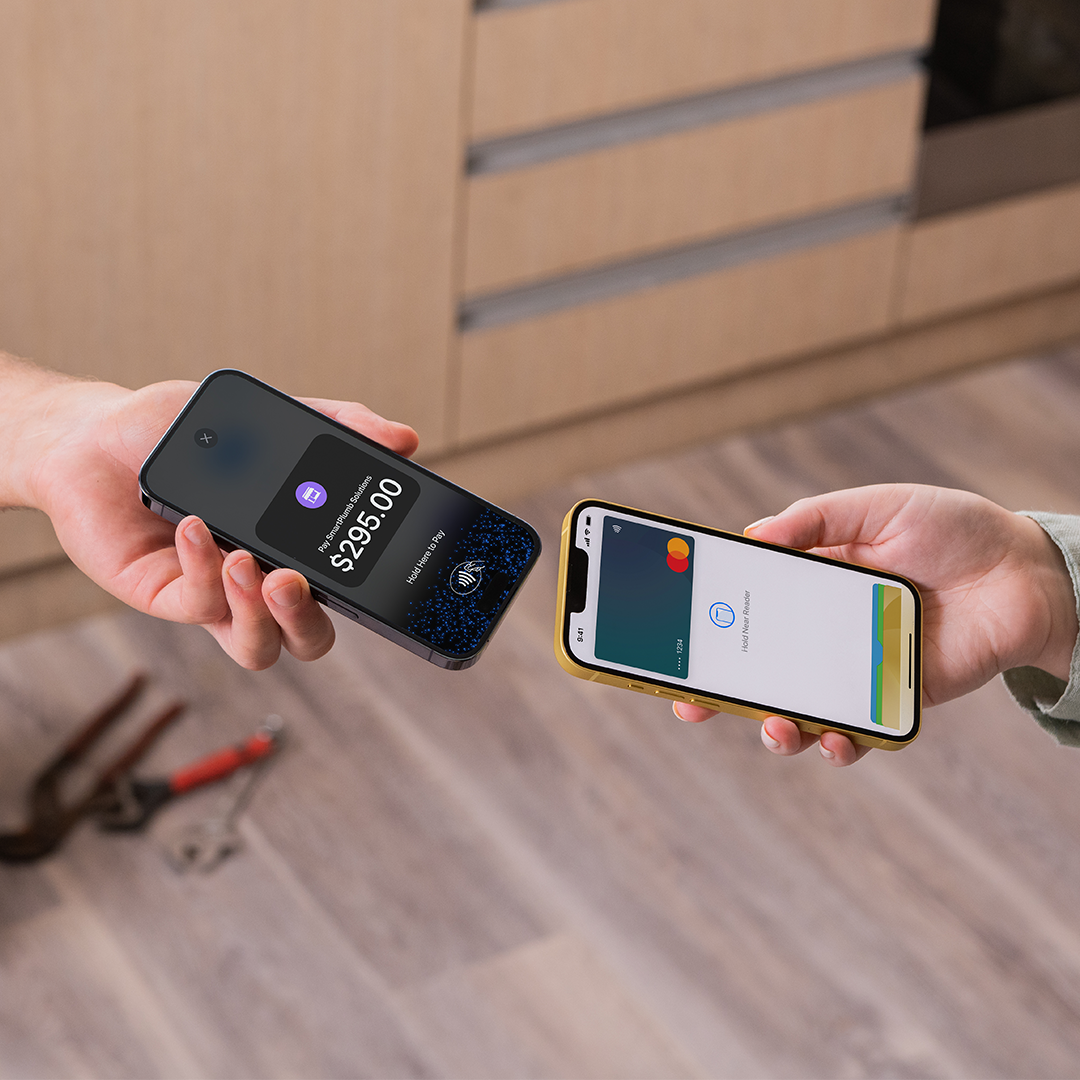
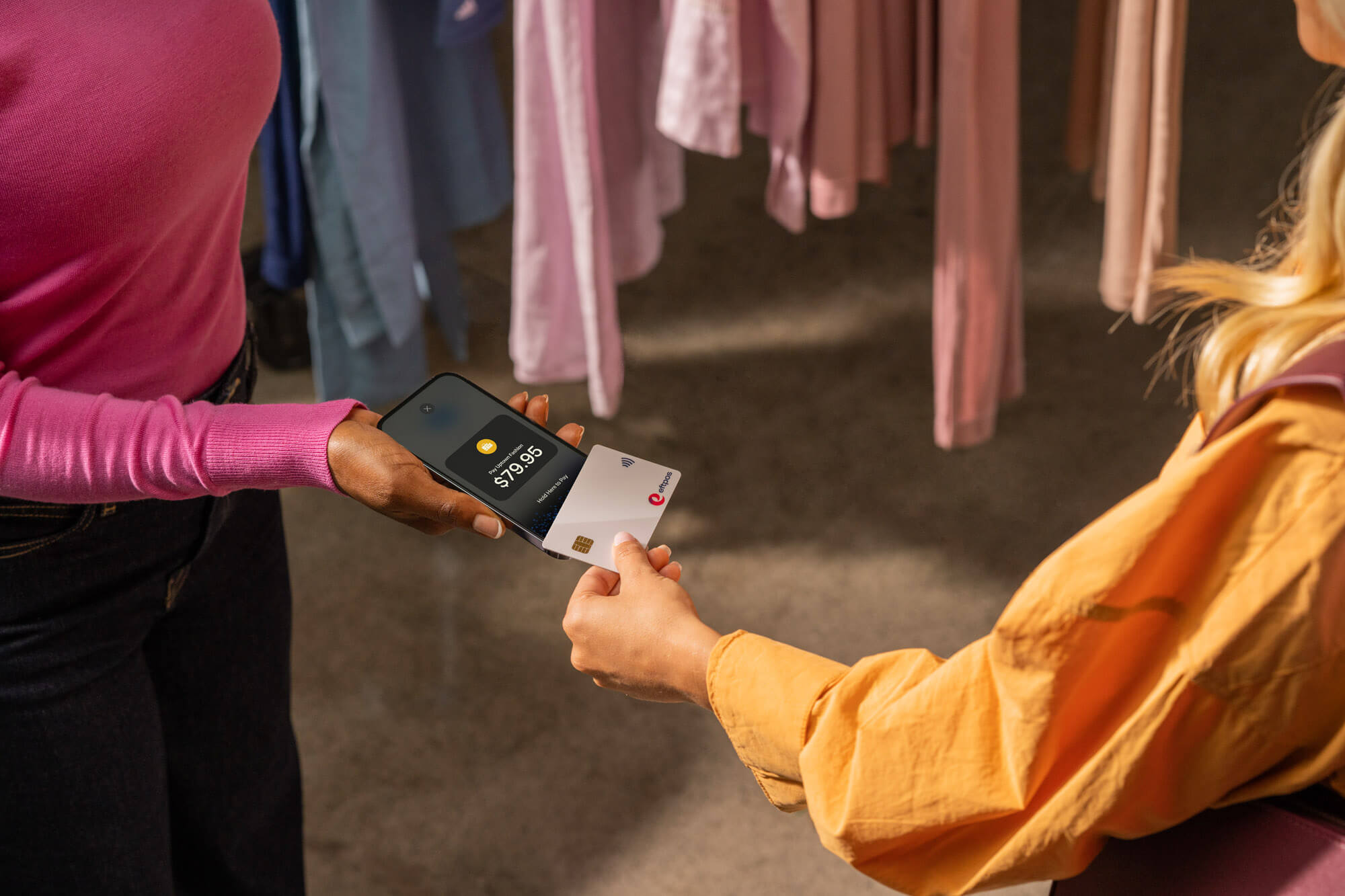
Tap to pay helps retail, hospitality and service businesses accept fast contactless payments wherever they work.
Sole operators and small mobile businesses—like market stall vendors, food trucks, mobile plumbers, tradies, and dog walkers—are quickly adopting tap-to-pay solutions. This technology allows retail businesses to handle more transactions during peak hours and gives mobile service providers the freedom to serve clients wherever they are, without needing a fixed terminal.
Tyro’s tap to pay on iPhone helps businesses accept secure, flexible contactless payments directly on their iPhone device.
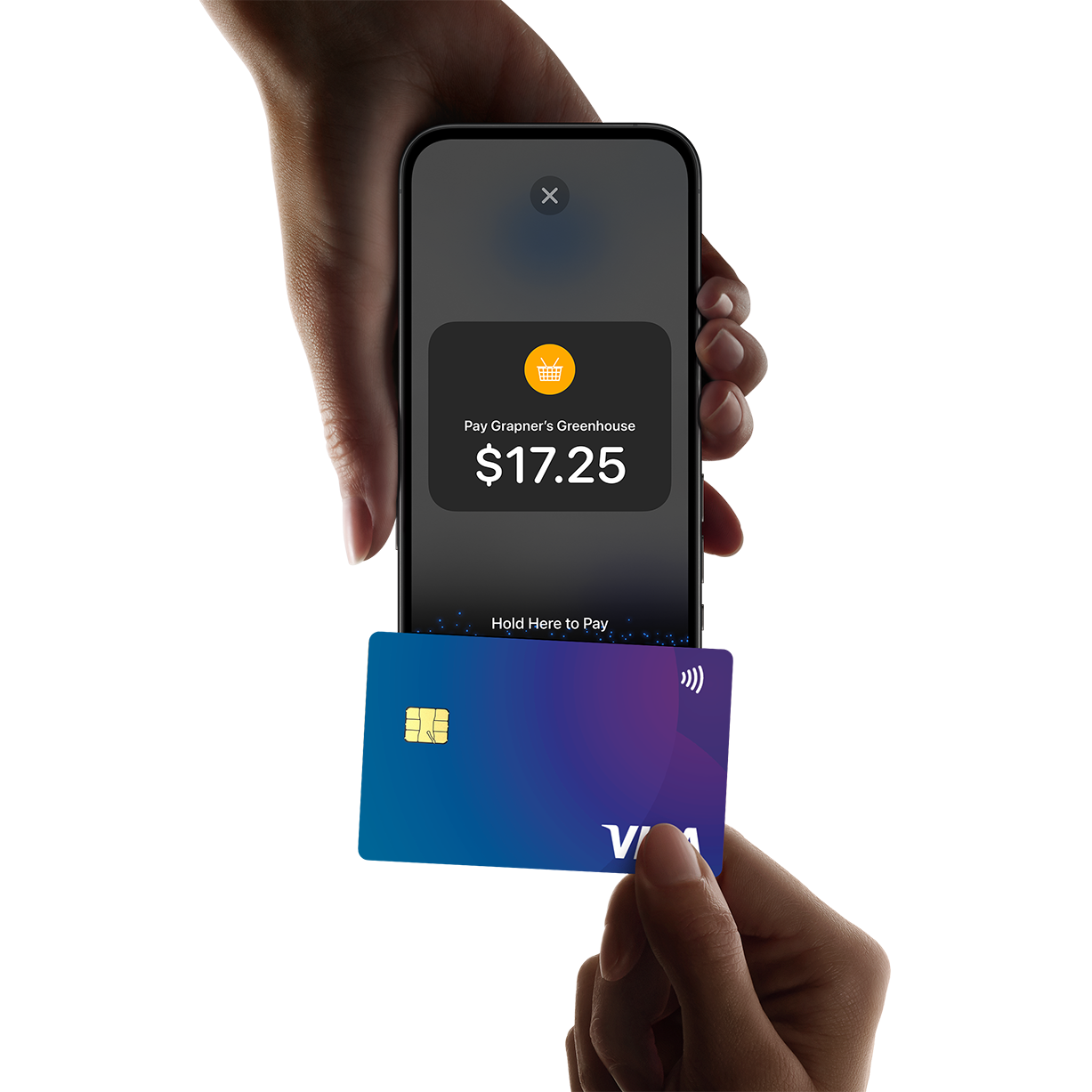
With Tyro’s Tap to Pay, all you need is an iPhone XS or later running iOS 16.4 or above ^. There’s no need for extra hardware – just download the Tyro BYO App, enter the payment amount, and accept payments via contactless cards or digital wallets directly from your phone.
This solution supports a wide range of contactless payment options, including Mastercard, Visa, American Express, and digital wallets like Apple Pay, Google Pay, and Samsung Pay. It provides a seamless payment experience, making transactions fast and secure through NFC technology.
Tyro’s Tap to Pay on iPhone ^ is ideal for small and mobile businesses, offering an easy way to manage payments without needing bulky hardware. It’s particularly useful for businesses in hospitality, retail, health, or trade services that need a flexible and portable payment solution.
When a customer is ready to pay, open the Tyro BYO app and enter the payment amount. The customer taps their card, Apple Pay, or digital wallet to the back of your iPhone. Your iPhone’s NFC chip reads the payment securely and the transaction is processed instantly — the same way a traditional EFTPOS terminal works, but without the hardware.
Download the Tyro BYO App from the App Store and log in with your Tyro account. Once you’re set up, Tap to Pay on iPhone is ready to use immediately, no extra hardware needed. Your iPhone’s built-in NFC chip handles the rest.
Tap to Pay on iPhone supports all major credit cards, as well as other digital wallets like Apple Pay and Samsung Pay, ensuring a variety of payment options for your customers.
Tyro uses industry-leading encryption and adheres to PCI DSS security standards to keep all business and customer data private during transactions on iPhones.
The transaction fee for using Tap to Pay on iPhone is 1.4% per transaction (including GST).
Tap to Pay functionality is compatible with iPhone models that support iOS 14 or later, including iPhone 6 and newer ^.
You can start accepting payments as soon as you complete the setup process, allowing you to enhance your business operations immediately.
The right EFTPOS option can make a real difference to your business.
Understand transaction costs and how surcharges are applied.
Learn the basics of EFTPOS and how it supports Australian businesses.
Australian-based 24/7 support

Complete in under 2mins
For us to find the best solution for you, please answer a few quick questions, and have the following details handy:











 Get the help you need